Use an ordinary Workbench
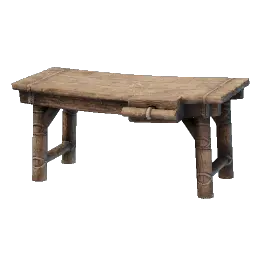
Workbench
The station that crafts your starter blocks also restores a carried tool.
The Workbench you already use for crafting serves this job — the repair happens through the station’s normal interaction, not a separate repair station.
Repair the tool you are carrying
The repair is part of the Workbench interaction itself.
Carry the worn tool
Have the worn axe or pickaxe with you, not stored away.
Interact with the Workbench
Open its crafting window.
Check the tool afterwards
Inspect the tool’s durability state.
Confirm the recovery
A repaired tool shows its durability restored.
What the repair changes
One carried tool goes in worn and comes out restored. The Workbench interaction is the whole mechanism on this route.
If the tool is still worn, check the scope
Check the simple things first: the tool is actually with you rather than in a chest, you interacted with a Workbench, and you re-read the tool’s durability afterwards.
The scope of this route is the one worn tool you carry to the Workbench. If that tool’s durability has not recovered after the interaction, treat the repair as not done and repeat the check rather than assuming it worked.