Building · tool and materials
Craft the Construction Hammer and choose building materials
Craft the Construction Hammer with one Stone in personal crafting; a Workbench recipe is also available. Use the hammer within a Flame Altar’s building area. Craft building blocks at the Workbench, then choose a material in the hammer’s Material Catalog. Since Update 8, materials in Magic Chests need no sample in your backpack.
Early Access guide: released Update 8 rules and version 0.9.1.2 recipe data. Not a guide to unreleased 1.0 changes.
Make the building tool
Basic Stone is a valid input. The current recipe also accepts the listed stone-family alternatives; one ordinary Stone is enough for this route.
- 1 Stone
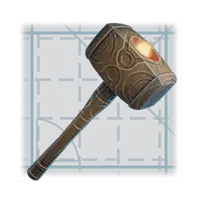 Output1 Construction Hammer
Stand inside the altar’s building area
The Construction Hammer works within a Flame Altar’s range. If the tool is ready but the planned structure is outside that area, fix the coverage problem first.
The tool does not turn every raw crafting ingredient into a placed block. For example, Wood Logs are ingredients; Rough Wood Blocks are the building material produced at the Workbench. A Magic Chest containing only logs does not replace the step of crafting a building-block stack.
Choose a material, then a shape
- Craft or obtain the building-block material you want to use.
- Wield the Construction Hammer inside your base area.
- Open the Material Catalog to view, sort and select available building materials.
- Choose the relevant shape for the intended wall, floor or roof.
- Follow the prompts in your own HUD to build, change shapes or use snapping.
Update 8 also adds sampling a material with the building cursor. It helps match an existing build without hunting through the full catalog. Control bindings can be customized, so the displayed prompt is the useful reference.
Identify the selectors in the official hammer HUD
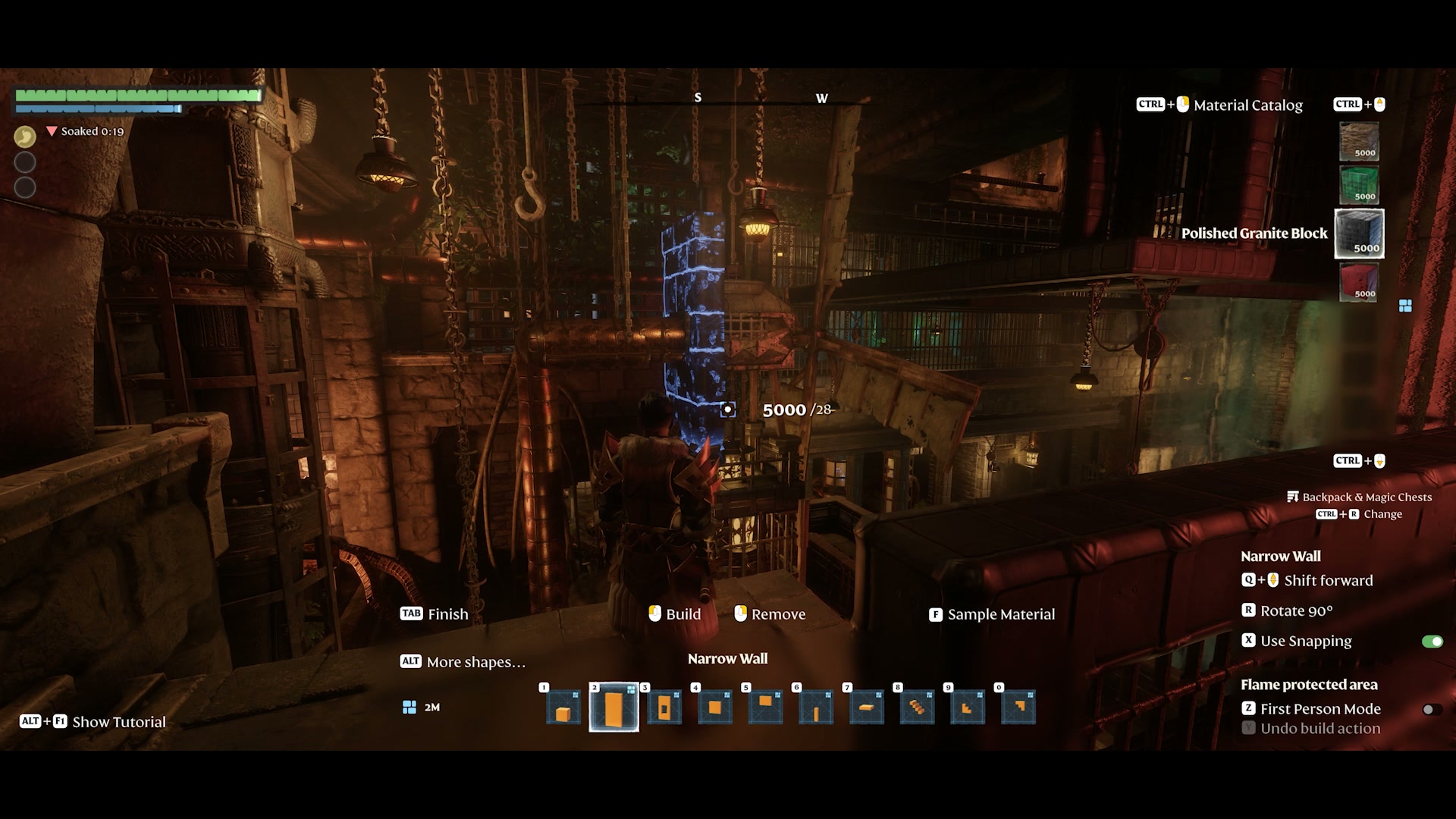 Open full-size image
 Material Catalog selects materials; Backpack & Magic Chests / Change identifies inventory access; More shapes and Sample Material serve separate choices. The selected example is Narrow Wall with Polished Granite.
Know which inventory contains the material
| Inventory | Building use |
|---|---|
| Backpack block stacks | Select a building material you are carrying. |
| Magic Chest block stacks | Update 8 allows direct selection without carrying a sample. |
| Raw logs, stone or fibre | Craft the corresponding building blocks before choosing them. |
Prepare a small material set before placing a large shell
Start with a wall/floor material and a roof material. They solve different parts of the building task. The starter set guide puts their batch recipes side by side so that you can bring the right ingredients to the Workbench.
Keep placed building work separate from harvested or destroyed world objects when deciding what to remove. The HUD’s Remove and Use Snapping prompts identify the corresponding controls.
Continue your build
Sources and version
- Construction Hammer recipe — 0.9.1.2; updated June 29, 2026
- Forging the Path — Update 8 — 2026-04-21